RERA registration is an important check for homebuyers before purchasing a property. Under the Real Estate (Regulation and Development) Act, 2016, eligible real estate projects must be registered with the relevant state RERA authority before being advertised, marketed or sold. Checking the RERA registration number helps verify the project's legal status, builder details, possession timeline, progress and complaints. It can also help buyers assess project information before applying for a home loan.
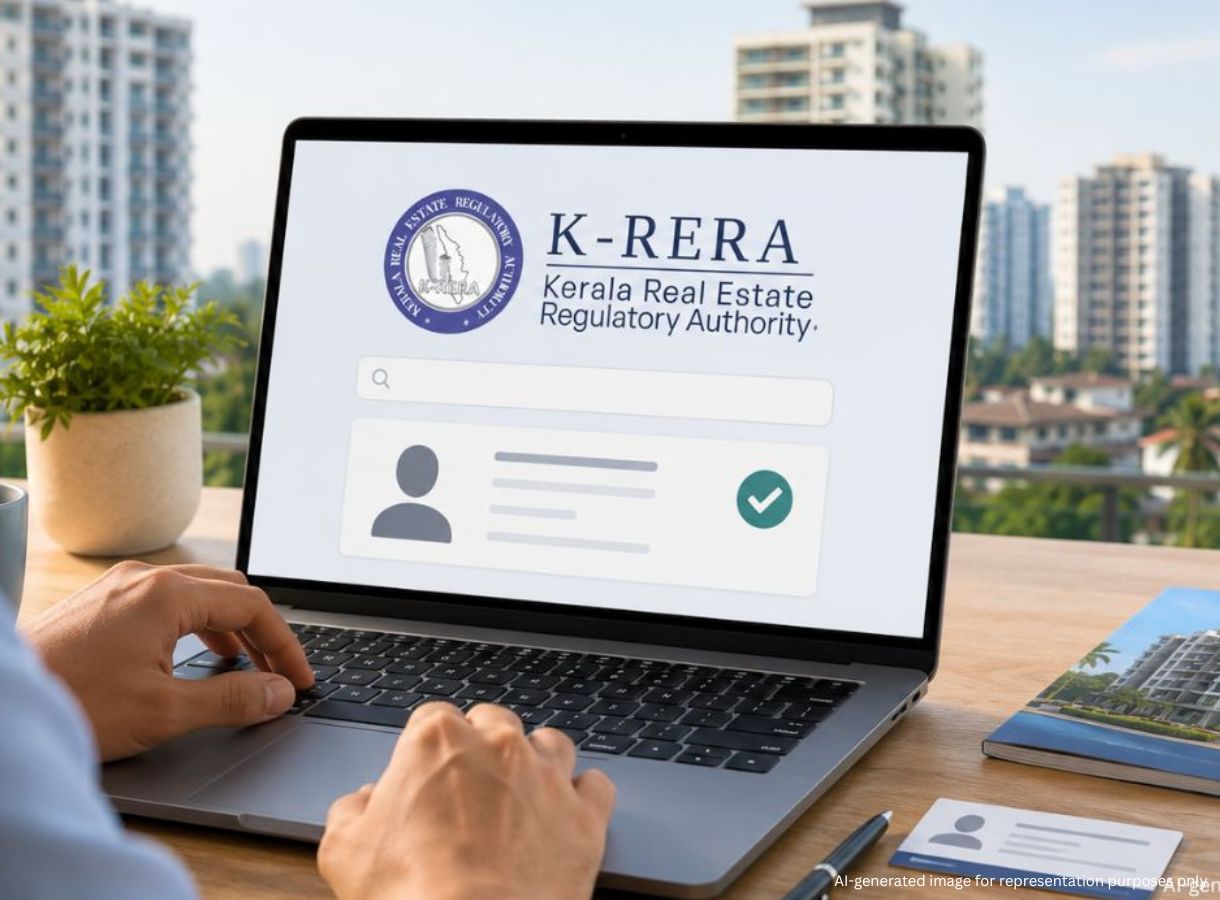
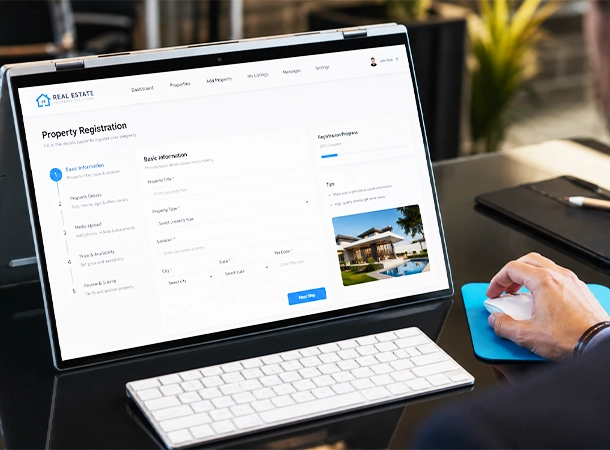
Every state has its own RERA portal. The relevant website depends on where the project is located, not where the buyer lives. Look for Registered Projects, Search Projects or Project Details, then search using the project's RERA number, project name or builder name. The RERA number is usually the most reliable identifier and can be found on the allotment letter, Agreement for Sale or builder's marketing material. For example, for RERA in Kerala, also known as K-RERA, the registration number formatted as K-RERA/PRJ/[DISTRICT]/[THREE-DIGIT NUMBER]/[YEAR]. The format varies with each states.
Once the project appears on the portal, compare the online information with the builder's documents.
| RERA Detail | What to Verify |
| Registration status | Confirm it is Active/Registered, not Expired or Revoked. |
| Possession date | Compare it with the Agreement for Sale. |
| Promoter details | Ensure the legal entity name matches the Agreement. |
| Carpet area | Check that it matches the Agreement. |
| Quarterly updates | Review whether project progress is reported regularly. |
| Complaints | Check for complaints and recurring project-related issues. |
The RERA record can also provide information submitted by the builder, including project progress and other registered details. Carpet area cannot be changed without consent. If the applicable RERA possession date has passed, delay compensation may apply.
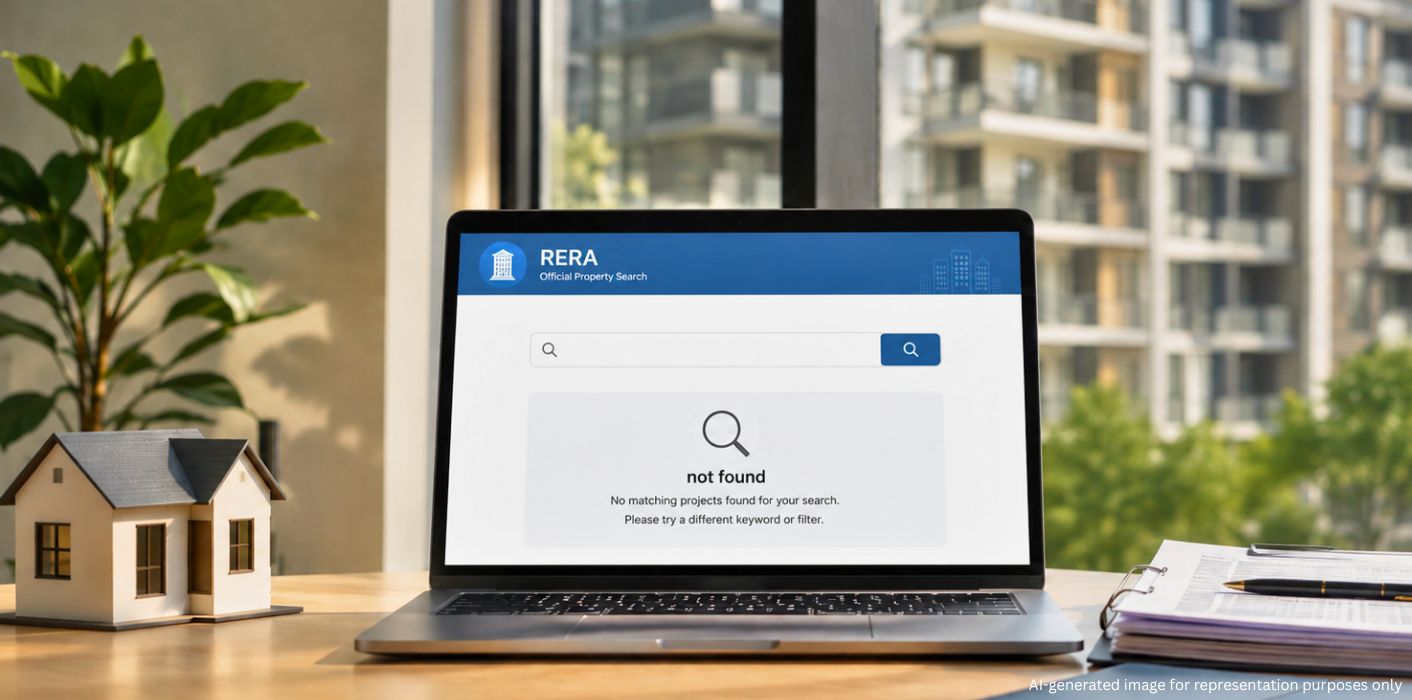
First check whether registration is actually required. RERA generally covers projects involving more than 500 sq. metres of land or more than eight apartments. Plotted developments without building construction and projects completed before 1 May 2017 may be exempt. If registration is mandatory but the project is unregistered, buyers can report it to the state RERA authority. Under Section 59, selling units in such a project can attract a penalty of up to 10% of the estimated project cost and imprisonment of up to three years.
Buyers can also consider remedies under the Consumer Protection Act, 2019, pursue a civil case through the appropriate consumer forum or commission, or formally demand registration from the builder. Further payments should be avoided until the matter is resolved.
RERA verification can extend beyond the individual project. The portal can reveal a builder's registered projects, compliance record, complaints, legal entity details and registration validity. For an agent, ask for the RERA agent registration number and verify it on the relevant state portal. Under Section 9, real estate agents must be registered to operate. An unregistered agent is a red flag. In short, find the RERA record, verify its status, compare the details with your documents, review progress and complaints, and check the promoter and agent before proceeding.
Checking RERA registration online is a simple but important step before committing to a property purchase. Buyers should verify the project's registration status, possession date, promoter details, carpet area, progress updates and complaints, while also checking the builder's and agent's RERA records. If a project that requires registration is missing from the portal, buyers should verify its eligibility, report the issue to the relevant authority and consider appropriate legal remedies before making further payments.